Immich + Frameo: How to

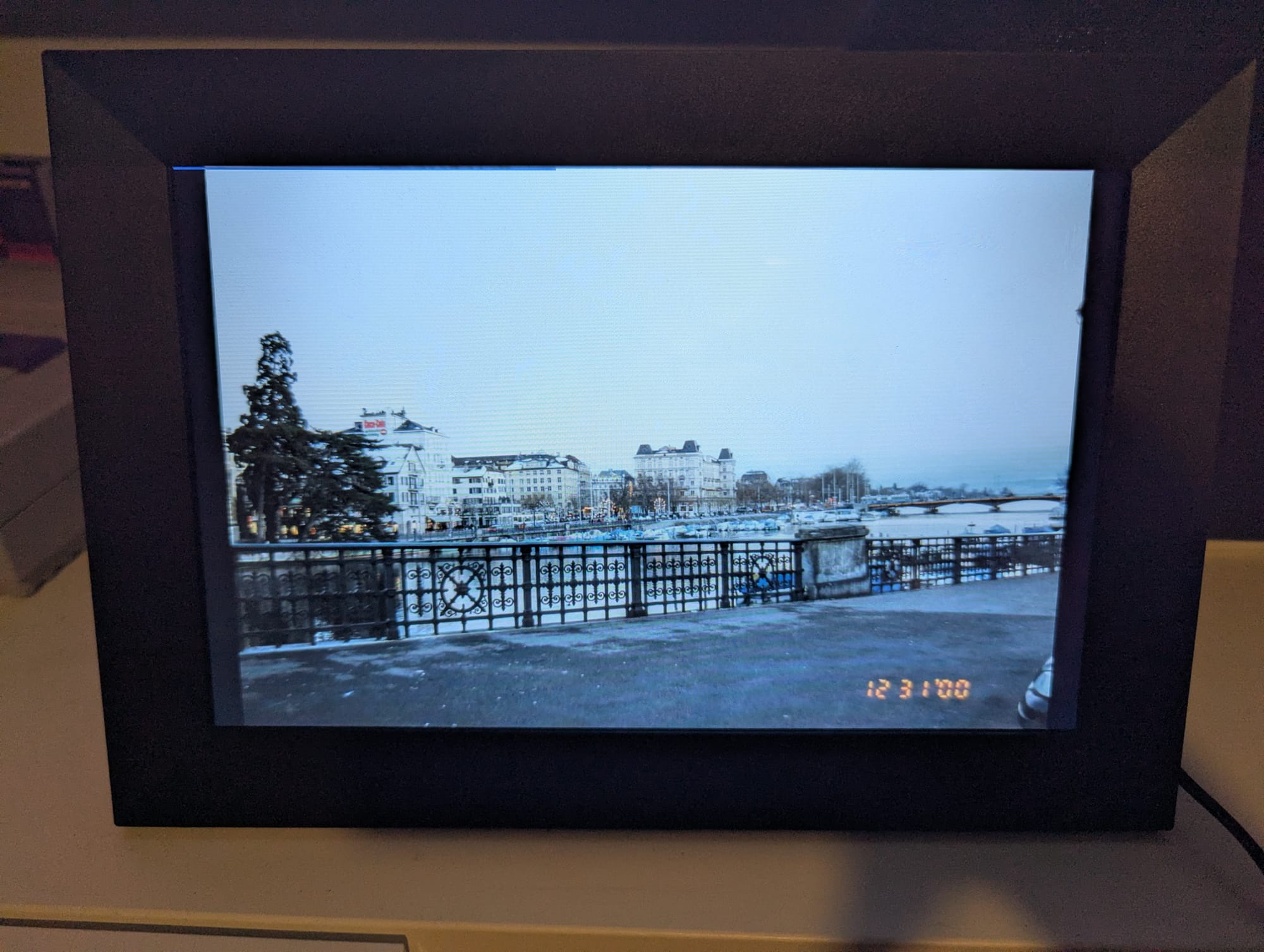
Intro: The Digital Photo Frame
So my parents' friends' have Frameos and they love them because they just randomly get new photos as the family members upload them. This is a genuinely awesome thing that technology makes available to us. However, personally, I don't want to be beholden to the whims of Frameo, which will almost certainly succumb to the natural progression that is enshittification, and I don't want my photos (and their associated metadata) used to train big tech AI models, and sent to the authorities to be used against me in whatever way they see fit, or adding ever-increasing fees for the privilege of hosting my family photos. This is why I run my own Immich server.
 Cory Doctorow
What you should know about Frameo
They're cheap. Dirt cheap. Walmart sells them in-store under their in-house "ONN" brand for $69 but you can buy them lots of places in lots of shapes and sizes. They're also extremely cheaply-constructed, with incredibly measly processors and, more importantly, incredibly outdated software. It runs Android 11 (We're on 16 now, going on 17, btw, so 5+ year old software) and for that reason a lot of Android stuff can't be installed on it, and even if it can, isn't compatible with the outdated Android webview being used by the system. But it is mostly sufficient (even if crazy slow) for its' duty as a digital photo frame.
How to "unlock" the Frameo
Frameo offers the very unexpected option of enabling developer mode and USB debugging for the purposes of using adb and sideloading apps. This is what enables us to use Immich.
 July 16, 2025 10:20 Updated
This isn't really the place to go over how to use adb but the short version is: use adb to install FDroid (I actually prefer Droidify). Then choose from one of the methods below:
Your options
ImmichKiosk and ImmichFrame
One of these 2 are probably your best option. However, they require a server and a new Docker container to set up and manage, and I just can't possibly be bothered, and this is obviously super unnecessary, considering ImmichTV does not need or use this. It also requires you to update the System Webview, which is complicated, and I wasn't even able to on my personal device, due to permission issues (root access denied).



ImmichTV
This works really well as a "screensaver". It'll show current time, date of the photo, and album name. It'll also show 2 vertical photos simultaneously when placed horizontally, which I thought was pretty clever. However, it only works through the Immich API, and unfortunately, for some reason, only the admin is allowed to access the API, and I don't want to traumatize my family by giving them access to every photo in my library. In addition, a lot of the settings buttons don't work for some reason. In order to initialize the screensaver you have to go into the settings and start it from there through several layers of menus. So, not great for something you have to give to grandma, but if you're reading this, it's probably an excellent solution for you, personally. You'll need to install Aurora Store from FDroid to install this app, since they don't publish it to FDroid.
 giejay
Browser
This is the method I used. Use FDroid to install Fossify Launcher. This will make the device boot into a traditional Android "desktop". Then install Fennec (this is one of few browsers that will work on this device). On boot, it will drop into Fossify launcher, then just select Fennec. Fennec unfortunately does not have a "homepage" option, only a "open last URL" so, whoever you send this to still needs to know how to set up Wifi (you can set it up beforehand if you have the wifi info, this is what I did) and navigate to the browser and the Immich WebUI to select an album and start the slideshow.
Conclusion
Ultimately, all of these solutions leave something to be desired. You can't just plug them in and they work, the way you can with Frameo. But my parents are capable enough to launch an app, navigate to a url and start the slideshow, and from there it should just run indefinitely.